


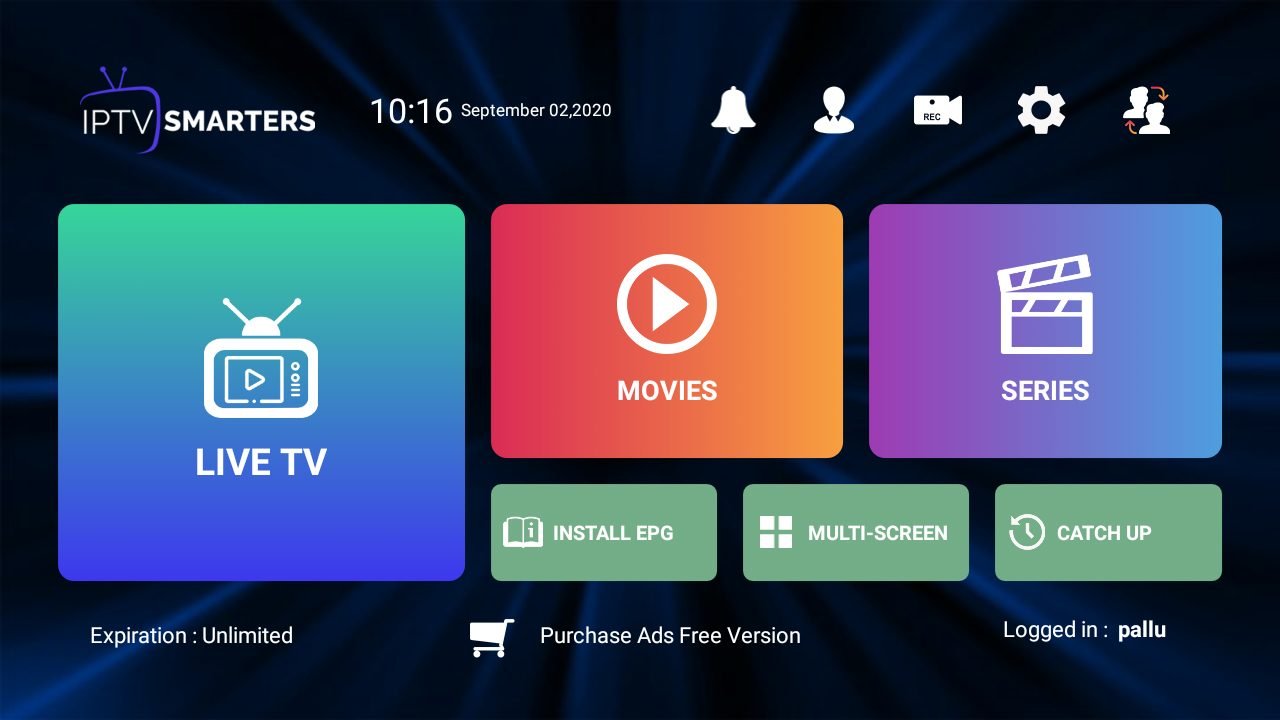
In recent years, Sverige IPTV has become increasingly popular among users in Sweden and beyond who are looking for a convenient way to stream live TV, movies, and series. One of the most effective ways to access IPTV services like Sverige IPTV is by using the IPTV Smarters app—a powerful player that allows you to load IPTV playlists or Xtream Codes login from your provider. If your Smart TV runs Android TV or Fire OS, installing IPTV Smarters through the Downloader app is one of the easiest and most efficient methods. This guide will walk you through the process step-by-step.
Step 1: Install the Downloader App
- Launch your TV’s main app store (e.g., Amazon Appstore, Google Play Store).
- Search for Downloader (by AFTVnews).
- Download and install it.
Step 2: Enable Unknown Sources
- Go to your TV’s Settings menu.
- Navigate to Security & Restrictions or Applications.
- Find Unknown Sources or Install Unknown Apps.
- Enable it for Downloader to allow APK installation.
Step 3: Open Downloader and Configure
- Launch Downloader.
- On the left menu, select Browser.
- In the URL field, type the official APK link for IPTV Smarters.
- Example: https://iptvsmarters.com/apk
- Press Go to load the page.
Step 4: Download the IPTV Smarters APK
- Locate and tap the Download button for the Android TV version.
- Wait for the file to finish downloading.
- Downloader should automatically prompt the installation.
Step 5: Install IPTV Smarters
- Click Install when prompted.
- Once complete, select Done (you can open the app later).
Step 6: (Optional) Clean Up
- Back in Downloader, go to Files.
- Delete the downloaded APK to save storage space.
Step 7: Launch and Set Up IPTV Smarters
- Go to your TV’s Apps menu.
- Launch IPTV Smarters.
- Grant permissions if asked.
- Choose login method: M3U URL, File/Playlist, or Xtream Codes API.
- Enter your IP TV provider details and start watching!
Final Tips
- Always get the APK from a trusted source to avoid malware.
- Ensure “Unknown Sources” is enabled if the install fails.
- This method works on Android TVs, TV Boxes, and Fire TV.
- For non-Android smart TVs (Samsung Tizen, LG webOS), you’ll need a different method like casting or sideloading via USB in developer mode.
By following these simple steps, you can easily install IPTV Smarters and enjoy everything that Sverige IPTV has to offer on your smart TV.

